How to Separate Work and Personal Calls on One Phone
Keep business calls organised and protect your private number without carrying a second phone.

How to Separate Work and Personal Calls on One Phone
Using your personal mobile number for work feels convenient at first. Then customers call in the evening, business contacts appear in private messaging apps and it becomes difficult to know whether an incoming call is personal or professional.
The good news is that you do not need to carry two phones. A second number, clear call settings and a few simple boundaries can separate work and personal communication on one device.
Start With a Dedicated Work Number
The cleanest solution is to give customers and business contacts a number that is different from your personal line. An app-based business number can ring on the same phone while remaining separate from your normal mobile number.
Use the work number on your website, invoices, social profiles, advertisements and customer messages. Keep your private number for family, friends, banking and personal accounts.
Make It Obvious Which Number Is Ringing
A useful second-number app should clearly identify calls arriving on the business line. This lets you answer professionally instead of wondering who is calling. You can also use a different ringtone, greeting or call screen where available.
Set Business Hours
Being reachable does not mean being available at every hour. Set the business number to ring during working hours and use voicemail, forwarding or an automated receptionist outside those times.
A clear after-hours message can tell callers when you will respond. This feels more professional than allowing calls to ring endlessly or answering while tired and unprepared.
Use Call Routing Instead of Sharing Your Personal Line
Call routing lets the public number stay the same while calls are sent to the right destination. You can route calls to your app, another team member, a landline, voicemail or an AI assistant.
This is especially useful when a business grows. Customers continue calling one familiar number while the people handling those calls can change behind the scenes.
Create a Professional Greeting
A short greeting immediately confirms that the caller has reached the correct business. It can mention the company name, offer menu options or explain that calls may be recorded where legally permitted.
Keep the greeting brief. Callers normally want help, not a long advertisement. A simple welcome followed by one clear action is usually enough.
Use Voicemail Properly
Business voicemail should explain what information the caller should leave. Ask for their name, reason for calling and best contact details. Check it regularly and return calls within the timescale you promise.
Protect Your Personal Messaging Accounts
Many messaging apps link profiles to a phone number. Giving customers your private number can reveal your profile photo, status or other personal details depending on your settings. A separate business number helps create distance between customer communication and your private digital life.
Keep Records in One Place
Use the work line for work-related call history and contacts. This makes it easier to identify missed opportunities, follow up with customers and understand how frequently the number is being used.
How SimBuster Helps
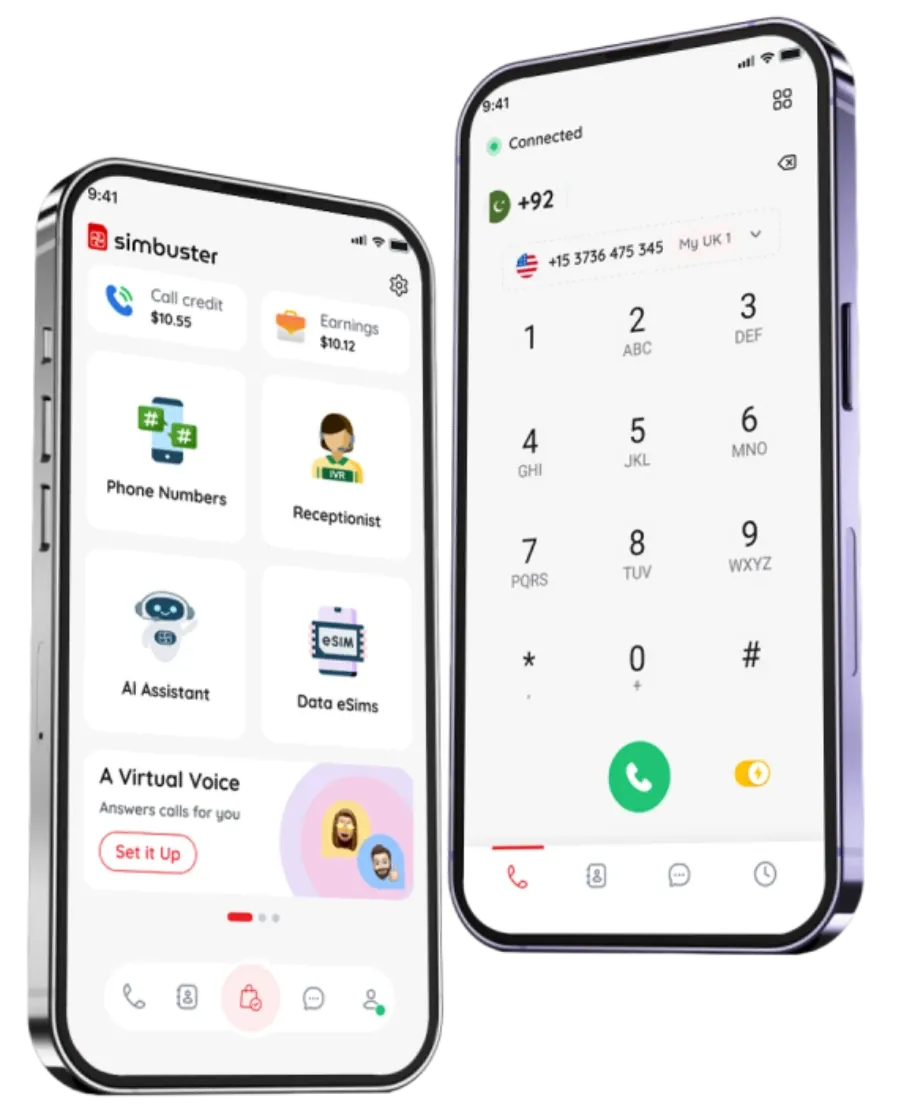
SimBuster lets you add a separate number to the phone you already use. You can receive calls in the app, forward them, add voicemail, build a visual call menu or connect an AI receptionist. Your personal SIM remains in place and your private number stays private.
One Phone. Two Separate Lives.
Add a dedicated SimBuster number and manage work calls without carrying another device.
Travel smart. Stay connected.
Get your eSIM in seconds and enjoy SIM-less internet wherever you are.