How to Keep Your Personal Phone Number Private Online
Reduce unwanted calls and protect your private line with a few simple habits and a separate number.

Avoid Publishing Your Main Number
Your phone number is often treated like a simple contact detail, but it can connect many parts of your digital life. It may be linked to messaging profiles, account recovery, social accounts, delivery history and searchable contact databases.
You cannot remove every risk, but you can control where your main number appears and use a separate number in situations where permanent access to your private line is unnecessary.
Do not place your personal number on public websites, social bios, marketplace listings or business pages. Public numbers are easily copied by bots, data brokers and people who may contact you long after the original reason has ended.
For public communication, use a dedicated number that can be managed separately.
Use Different Numbers for Different Parts of Life
Your main mobile number is best reserved for trusted contacts and important accounts. A second number can be used for customers, online selling, dating, deliveries, competitions, app sign-ups and other situations where you want more control.
Check Messaging-App Privacy Settings
Some messaging services reveal a profile photo, display name, status or last-seen information to anyone who has your number. Review who can see each detail and restrict visibility to saved contacts where possible.
Remember that changing a profile setting does not remove information already copied or screenshotted by someone else.
Be Careful With Account Recovery
Phone numbers are frequently used for password resets and account recovery. Use a reliable number for important services and add stronger options such as an authenticator app, security key or recovery codes where supported.
Do not rely on a short-term number for an account you may need to recover months or years later.
Watch for Number-Recycling Risk
Telephone numbers can eventually be reassigned after they are cancelled. Before giving up any number, remove it from online accounts, banks, messaging apps and recovery settings. This reduces the chance of a future holder receiving calls or codes intended for you.
Do Not Share Codes
A legitimate company should not ask you to read back a security code that was sent to your phone, except within a clearly understood verification process you initiated. Unexpected requests for codes are a common warning sign of account takeover attempts.
Block and Report Unwanted Contact
Use the blocking controls on your phone and report spam through the appropriate service. If a public-facing number becomes heavily targeted, a separate-number setup lets you change or retire that line without disrupting the number used by family and important accounts.
Use a Second Number Responsibly
A second number improves separation, but it does not make activity anonymous or exempt it from platform rules and local laws. Use it to manage privacy and communication, not to impersonate people, mislead services or bypass legitimate safeguards.
Protect Your Main Number With SimBuster
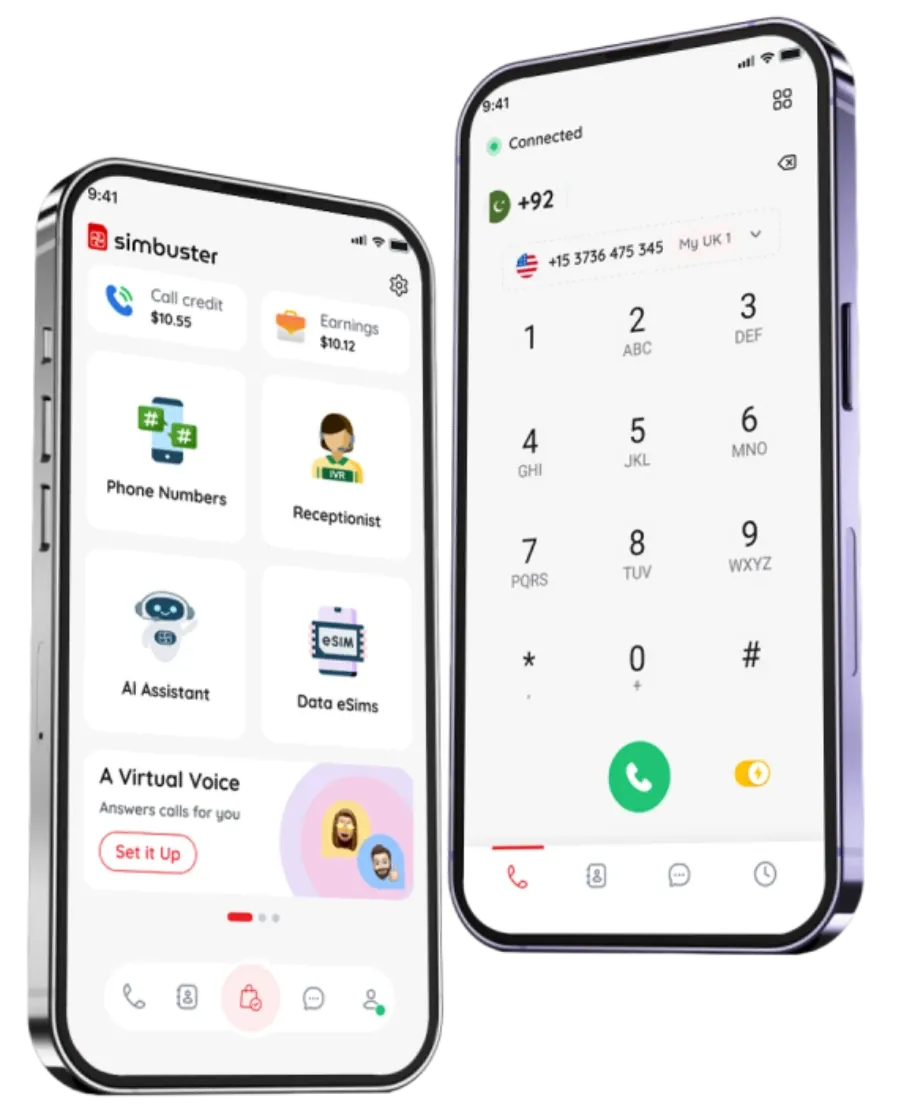
SimBuster lets you keep your existing SIM and add another number inside the app. Use the additional number where you do not want to expose your primary line, while keeping personal contacts and important accounts connected to the number you trust.
Share Less. Stay Reachable.
Use a SimBuster second number while keeping your personal mobile number out of public view.
Travel smart. Stay connected.
Get your eSIM in seconds and enjoy SIM-less internet wherever you are.